
Game Systems
Courting & Nesting
Last updated: May 28, 2026
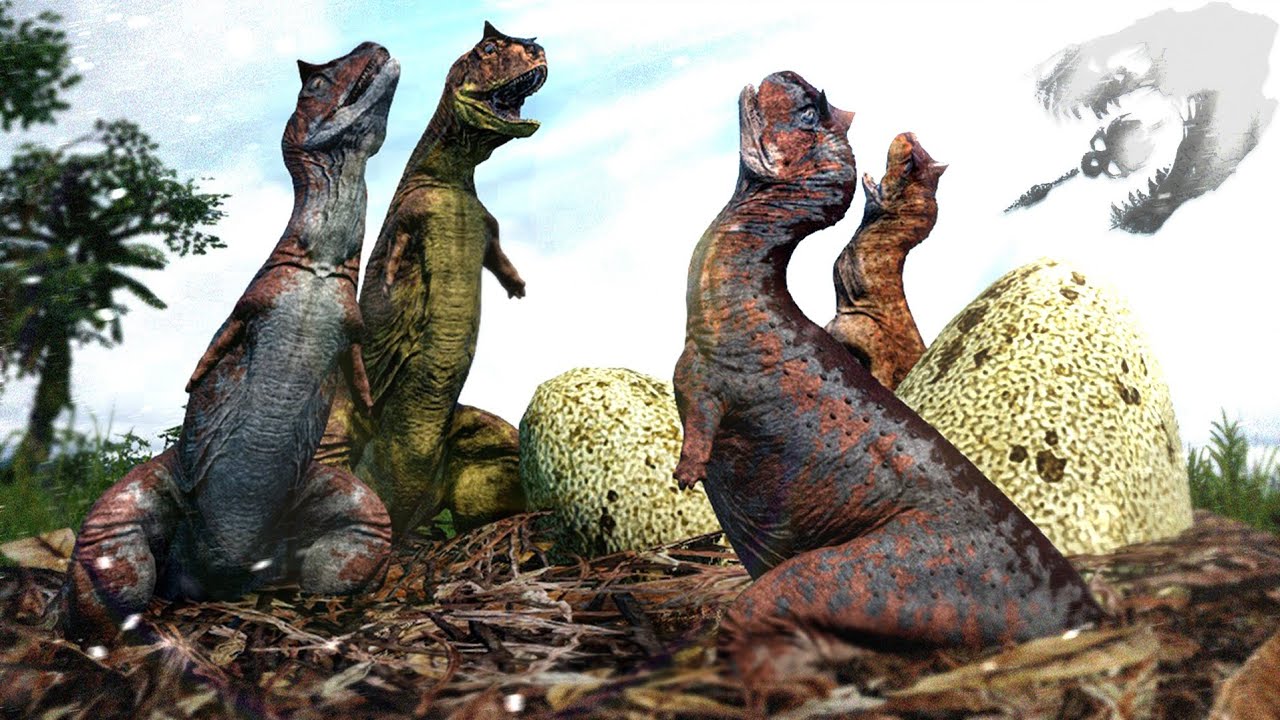
Nesting lets two players — one male, one female of the same species — court, mate, build a nest, lay eggs, and incubate them to hatching. New players who join from your nest spawn as juvenilesinstead of fragile hatchlings, getting a massive head-start. It's also a prerequisite for several mutation unlocks and progression goals.
Courting & Mating
You need an adult or subadult male and female of the same species. Hatchlings and juveniles can't nest.
- Find a partner
Use your vocal calls (default
1/2) to advertise your location. Same-species adults nearby will hear you. - Face each other and hold N
Position the two dinosaurs close, head-to-head. Both players hold
Nat the same time to trigger the mating animation and pair. - Verify the pairing
Open
Tab→ look in the Statussection. If you're paired, your partner's name will be listed.
Building the nest
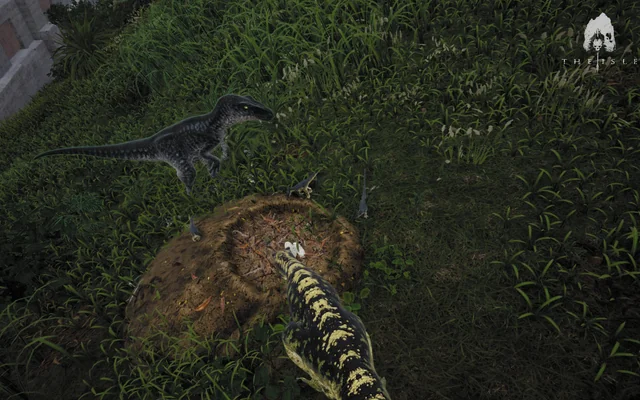
Once paired, you pick the nursery spot. Anywhere on land — but pick a defensible one. Predators will hunt nests.
- Place it
Face the ground where you want the nest. Press
N, thenBto build. - Gather debris
Use your sniff ability to locate twigs nearby. Pick them up with
G, walk them to the nest, and deposit withE. More debris = warmer nest = faster incubation later.
Gestation & laying eggs
Females only. You can gestate before or after pairing — doing it ahead of time saves real-world minutes once you've found a mate.
- Start gestation
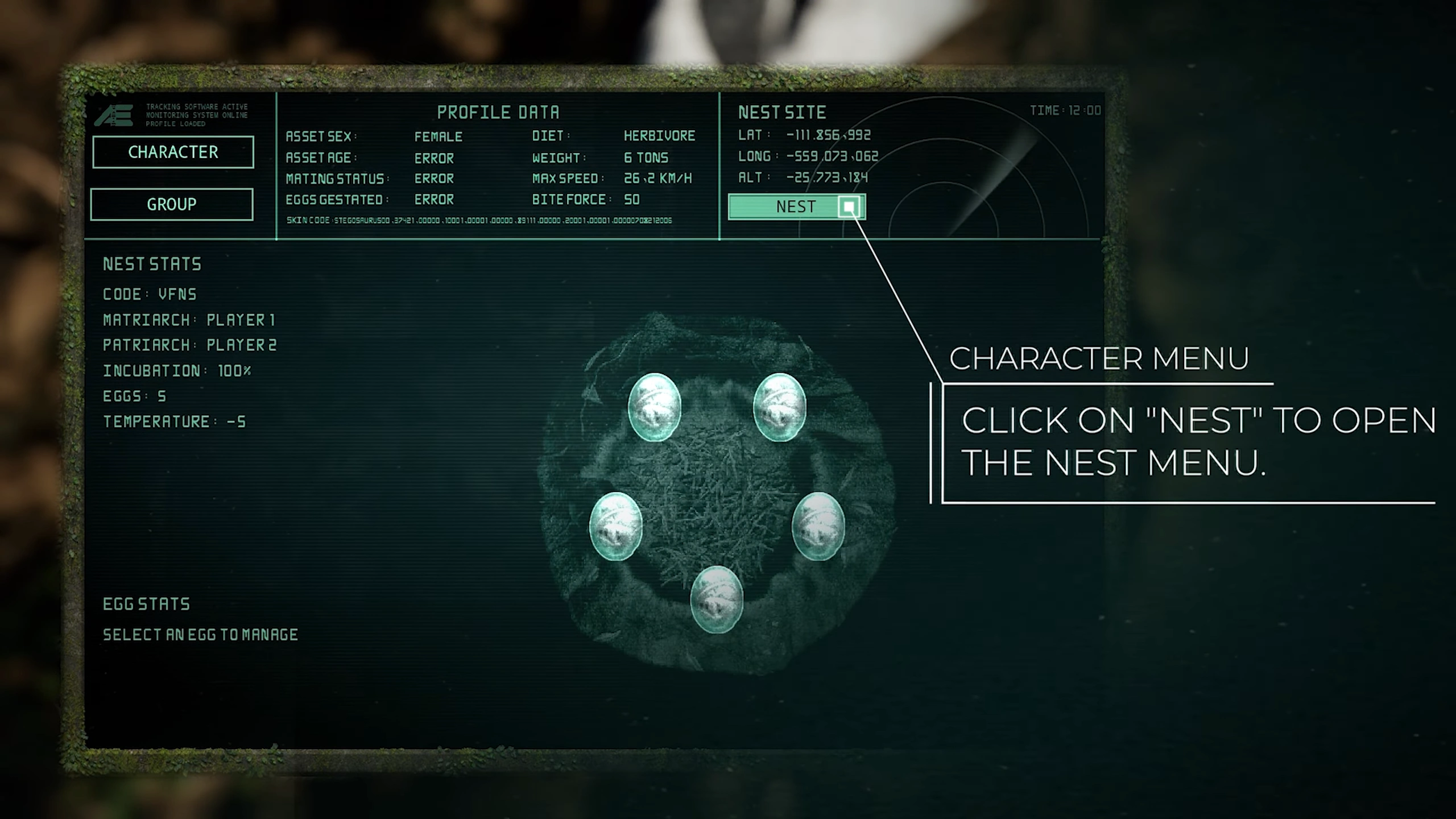
Open
Tab→ click the Nest icon. Pick how many eggs you want to gestate. Gestating consumes hunger + nutrients; more eggs = more drain. - Wait the timer
Takes a few minutes. You can keep playing normally — just don't die or burn through your food reserves.
- Lay them
Sit on your built nest. Follow the on-screen prompt (typically
E) to lay the eggs. They appear in the nest immediately.
Incubation & hatching
Eggs need to reach 100% incubation before another player can hatch from them. Temperature is everything.
- Keep it warm
Sit on the nest yourself, or have your mate take turns. More debris piled on the nest also helps. An unattended nest cools fast and incubation stalls.
- Set Public or Private
Open
Tab→ Nest menu. Public = anyone on the server in the hatchling selector can request to join your nest. Private = a passcode is generated; only players you share it with can request. - Accept hatch requests
When a player on the character-select screen requests your nest, you'll get a prompt. Accept it and they spawn as a juvenile of your species — skipping the fragile hatchling stage.
Quick tips & common pitfalls
- • Gestate ahead of time. Females can start gestating before pairing — saves real-world minutes once you find a mate.
- • Don't leave the nest. Unattended nests cool fast; incubation stalls. Tag-team with your mate so one of you is always sitting.
- • Pick a defensible spot. Carnivores actively hunt nests for an easy meal. Open meadows = death. Use brush, ledges, or contested water lines for cover.
- • Public fills faster. Public nests get hatch requests almost immediately on busy servers; private nests only see traffic if you share the passcode in chat / Discord.
- • Eggs don't survive death. If both parents die before hatching and no one else sits the nest, the eggs cool out. Designate a backup if your species lives in a high-risk biome.
- • Mutations matter. See Advanced Gestation, Parthenogenesis, and Prolific Reproduction for traits that change egg counts, gestation timers, and juvenile stats.
Related
- • Mutations explained — including reproduction-related lifestyle unlocks.
- • Dinosaur roster — species-specific gestation times and clutch sizes.
Keybinds and prompts shown reflect the default control scheme. If you've rebound keys in-game, your bindings replace these.